
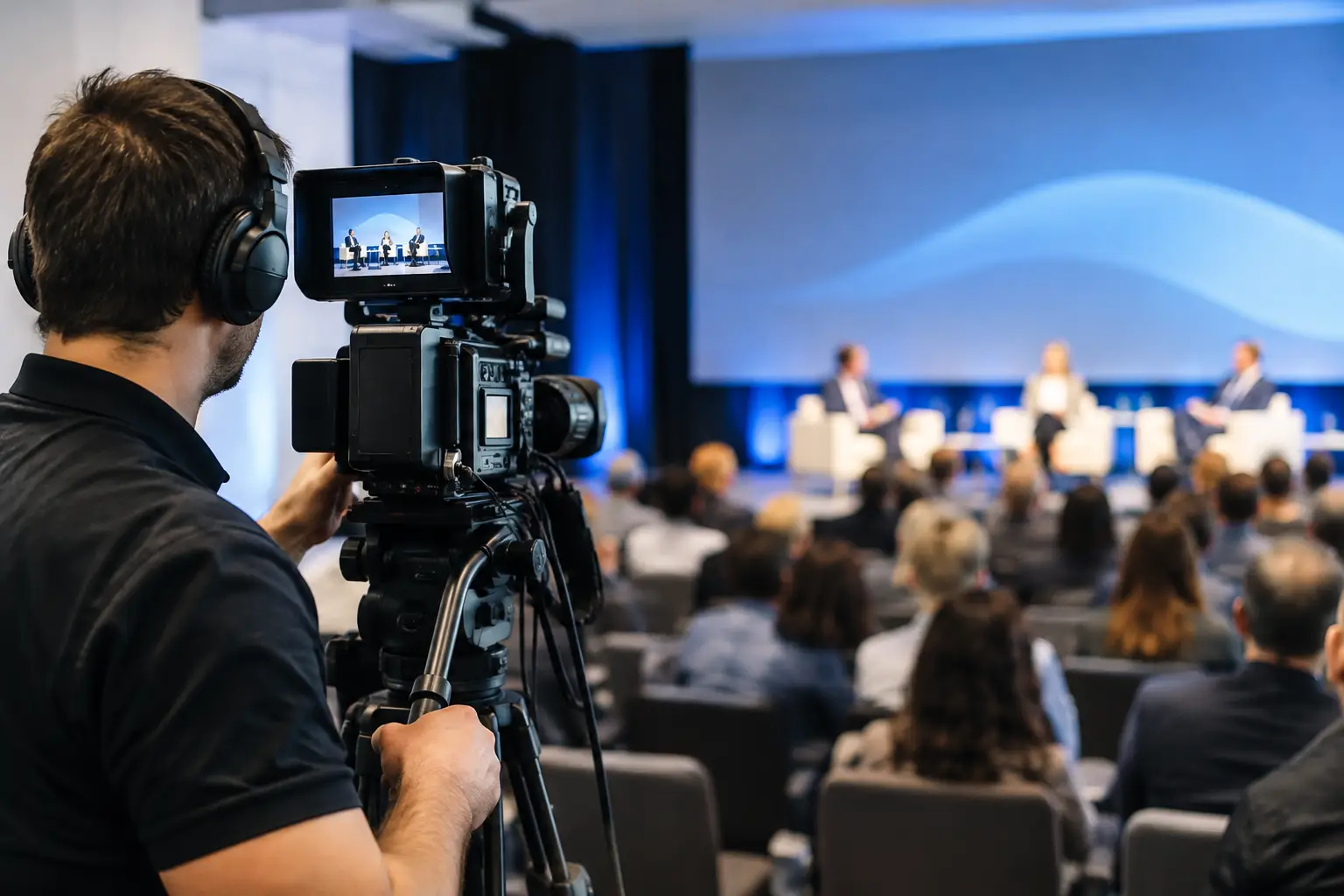
A conference room can only hold so many people. Your message, expertise, and investment should not be limited by the number of chairs on the floor. Thoughtful livestream production for conferences gives organizations a way to bring remote audiences into the experience without reducing the value for those who showed up in person.
That distinction matters. A camera pointed at a stage is not a conference broadcast strategy. The difference between a video feed people abandon after two minutes and a program they actively watch comes down to planning, production judgment, and a clear understanding of what the audience needs to see, hear, and do next.
For small and midsize businesses, nonprofits, institutions, and mission-led organizations, livestreaming can be one of the smartest ways to extend the return on a major event. It can also become an expensive distraction when it is treated as an afterthought. The goal is not to broadcast everything simply because technology makes it possible. The goal is to create access, engagement, and useful content that continues working after the conference ends.
Start With the Job the Livestream Must Do
Before selecting cameras, platforms, or production partners, decide what success looks like. A national association may need to serve members who cannot travel. A healthcare organization may want to share education with a wider professional community. A growing company may use a conference to demonstrate leadership in its category and capture content for future marketing.
Those goals lead to different production decisions. If the priority is remote education, clear slides, readable lower-third graphics, and dependable audio may matter more than cinematic camera movement. If the objective is brand visibility and lead generation, the program may need a polished opening, hosted transitions, sponsor recognition, attendee interviews, and a defined registration path.
This is where many conference teams lose ground. They begin with a technical question – which platform should we use? – when the more useful question is: what should a remote attendee experience, learn, and do? A strong answer shapes the entire run of show.
Livestream Production for Conferences Is an Audience Experience
Remote attendees do not have the advantage of hallway conversations, coffee, room energy, or a clear view of the stage. They need a program designed for the screen. That means treating the livestream as its own audience experience, not a byproduct of the in-room event.
A wide shot of a ballroom may establish scale, but it rarely holds attention for a 45-minute keynote. Viewers need to see speakers’ expressions, presentation content, demonstrations, and meaningful interaction. They need clean audio above all else. People will tolerate an imperfect camera angle far longer than they will tolerate muffled microphones, echo, or inconsistent volume.
Pacing matters, too. Conference sessions are often built around the rhythms of an in-person room. A remote program benefits from intentional transitions, short recaps, moderated chat, polls, Q&A, and occasional backstage or attendee perspectives. Not every event needs all of these features. A board-focused annual meeting may require a straightforward, highly reliable broadcast. A public-facing industry conference may benefit from more energy and interactivity. The right approach depends on the audience and the stakes.
The run of show is the production blueprint
A detailed run of show turns good intentions into a manageable live program. It should identify session start times, speaker arrivals, video playback, graphics cues, slide handoffs, audience Q&A, breaks, sponsor moments, and contingency plans.
The plan also needs ownership. Who advances presentation slides? Who monitors chat? Who communicates with speakers when a session is running long? Who has final authority if a schedule change affects the broadcast? These roles may seem minor until a keynote starts late, a presenter brings an outdated deck, or a panel microphone fails.
Live production rewards preparation because there is no opportunity to pause the room while everyone figures it out. A rehearsal reveals where the plan is vague and gives speakers a chance to become comfortable with microphones, stage marks, confidence monitors, and remote audience interaction.
Build the Technical Plan Around Reliability
The production setup should match the complexity of the program, not a wish list of equipment. A single-camera stream can work for a contained presentation with one speaker and minimal slides. A multi-camera setup is usually the better choice for conferences with panels, keynotes, demonstrations, or an expectation of a more dynamic viewer experience.
At a minimum, plan for dedicated internet connectivity, professional audio capture, a way to incorporate presentation content, and a backup path for the signal. Venue Wi-Fi shared with hundreds of guests is rarely a dependable primary connection. A hardwired dedicated line is preferable, with bonded cellular or another independent backup available when the event cannot afford downtime.
Audio deserves a larger share of the conversation than it usually gets. Each presenter needs a properly tested microphone, and panels require enough channels to keep every voice intelligible. If the in-room sound system is feeding the stream, the production team must confirm that the broadcast mix is not simply an echo-prone version of what the audience hears in the ballroom. The room mix and the livestream mix often need different treatment.
It is equally important to confirm the venue’s rules early. Load-in restrictions, lighting conditions, ceiling heights, power availability, union requirements, cable paths, and internet policies can change the budget and the creative plan. A production partner who asks these questions before event week is protecting both the experience and the investment.
Make Access Easy, but Intentional
A public stream can broaden awareness, especially for organizations trying to build community or demonstrate expertise. Registration-based access can provide useful audience data and a stronger follow-up path. Paid or member-only access can protect the value of premium content.
There is no universally correct model. A nonprofit hosting an advocacy summit may prioritize public reach and shareability. A financial services firm discussing market perspectives may need a controlled audience and clear compliance review. An educational institution may offer selected sessions publicly while reserving workshops for registered participants.
Whichever model you choose, communicate it clearly. Remote attendees should know where to watch, when to join, whether sessions will be recorded, and how they can ask questions or access materials. A clean registration and reminder sequence can do more for attendance than adding another camera angle at the last minute.
Design Content for the Days After the Conference
The value of a conference livestream should not disappear when the closing remarks end. With the right permissions and an editorial plan, recordings can become on-demand sessions, short social clips, speaker highlights, recruitment material, donor communications, sales enablement assets, or learning resources.
That does not mean every minute deserves to be repackaged. Review the program through the lens of relevance. A sharp five-minute insight from a panel may travel farther than an entire 60-minute recording. A compelling audience question can become a useful article topic. A strong opening message can anchor a future campaign.
Plan this before the event, not after. Obtain speaker releases, identify the sessions most likely to have a long shelf life, and discuss how footage will be organized and delivered. Editing, captions, branded graphics, and approvals require time. When content reuse is planned as part of production, the conference becomes a source of ongoing marketing value rather than a one-day expense.
Measure More Than Viewer Count
View counts offer a starting point, but they do not tell the whole story. Look at registration-to-attendance rates, average watch time, engagement during key sessions, questions submitted, content downloads, follow-up meetings, donations, membership inquiries, or other actions tied to the event’s original purpose.
For an organization with a relationship-driven sales cycle, a smaller online audience of qualified prospects may be more valuable than thousands of passive views. For a community organization, broad access and meaningful participation may be the stronger outcome. Metrics should reflect what the conference was meant to accomplish, not simply what the platform reports most easily.
The best conference livestreams do more than document a stage. They make people beyond the room feel included, informed, and connected to what happens next. When production is built around that outcome, a conference can reach farther, work harder, and carry its momentum well beyond the final applause.
0 Comments